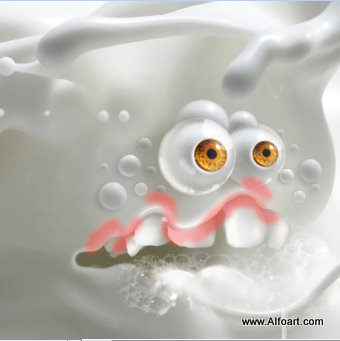






| You may get .psd* file with watermarked stock images layers(!) "Milk monster and chocolate splash" Photoshop tutorial by making a payment. Put the tutorial title in "Add special instructions to seller" line of PayPal and it will be sent to you shortly. |
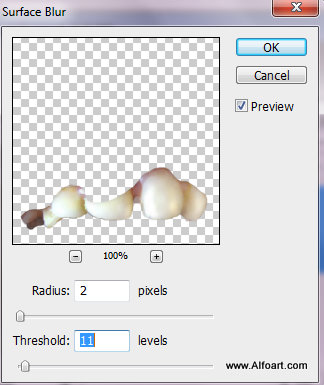
- Apply Surface filter to the teeth layer.
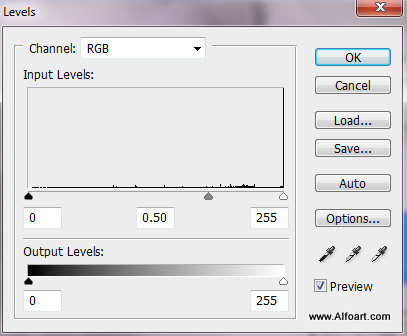
- Correct Levels parameters.
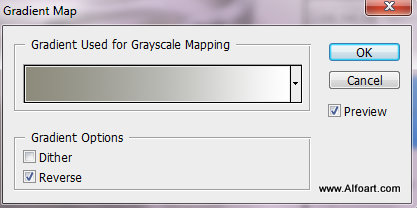
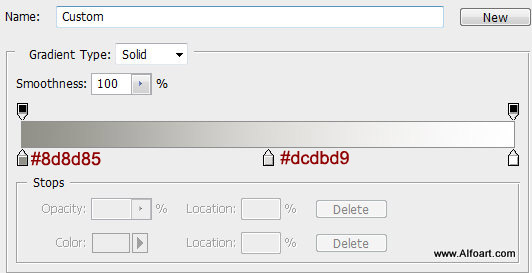
- Go to Image > Adjustments > Gradient Map, apply following gradient effect:
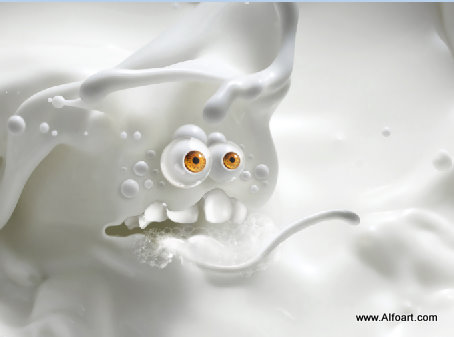
- You should get similar result.
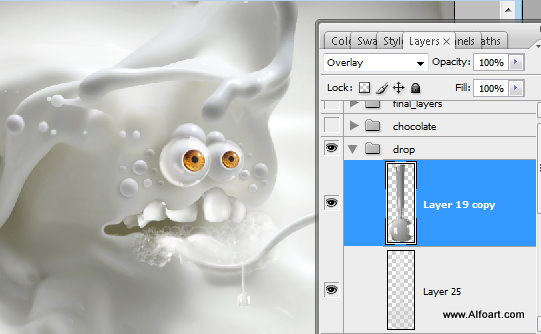
- Insert drop image again(you may find retouched water drop image in the "help" png file, place it on the tongue and apply Overlay Blending Mode.
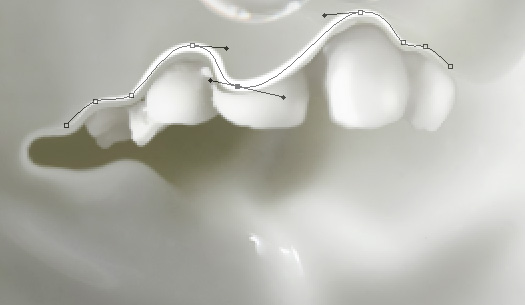
- Draw path with the Pen Tool like on the image below. Right click path and choose Stroke Path and Brush with 5px diameter and Simulate Pressure. Create a new empty layer and make similar line, but use the brush with 2px diameter.
- Apply Gaussian Blur Filter(2.8px) to the first created line.
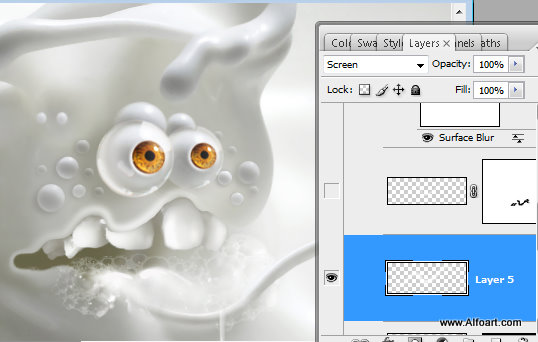
- And Erase marked areas from the second thin line.