|
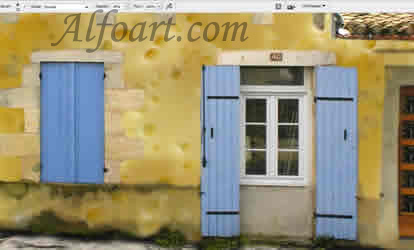
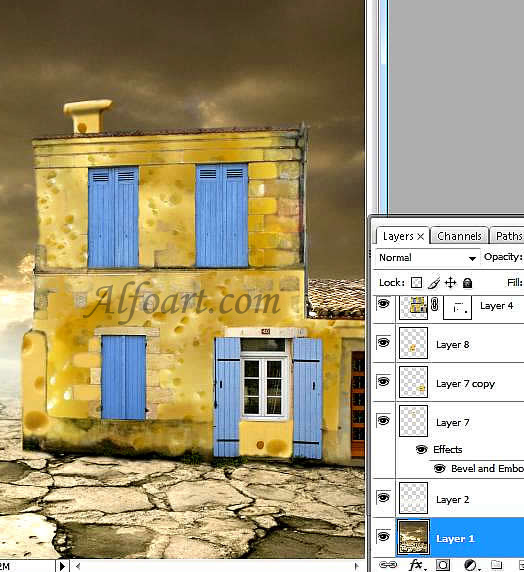
Result of using the Mask and adjustment of colors.
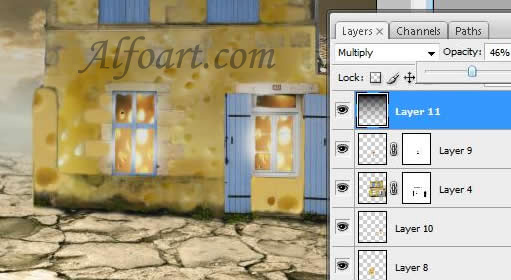
Use the Glow Filter for windows.
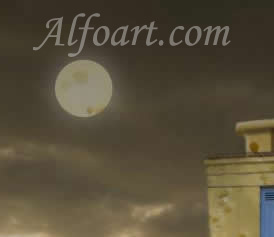
Creation of Moon:
- Select the moon silhouette on cheese texture, using Elliptical Marquee tool. Copy and paste it into the new layer. Change layer to Luminosity. Copy this layer and paste it under the original layer. Go to Filter > Blur > Gaussian Blur (11-14) Opacity 80%.
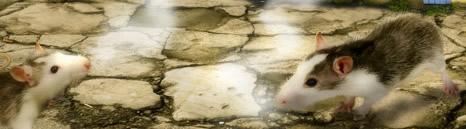
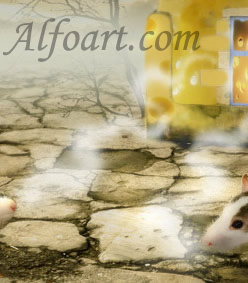
Insert images of mice. Go to Filter > Blur > Surface blur (2/ 9). Adjust colors! Draw the Shadow on the ground using Burn tool( soft brush and highlights 25%.)
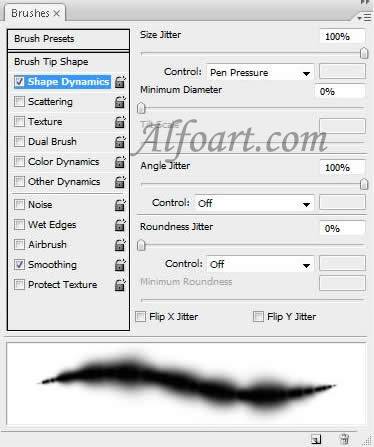
Creation of a smoke.
- Create new layer
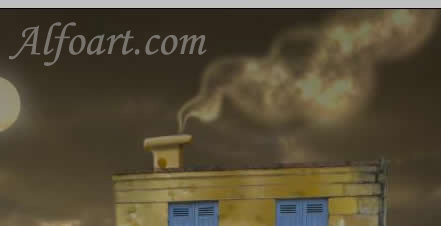
- Draw a smoke using soft brush, load selection of the layer, click on “D”, go to Filter > Render > Clouds.
- Click on Ctrl + F several times for better result. Change layer from Normal to Color Dodge, for light smoke use Luminosity layer property.
- Draw trees or bushes. I used ready brushes.
Create new layer. Fill it with gradient (black/transparent) Change layer to multiply (Opacity 45%)
Flatten layers of background mice and house, go to Filter > Distort > filter glow!
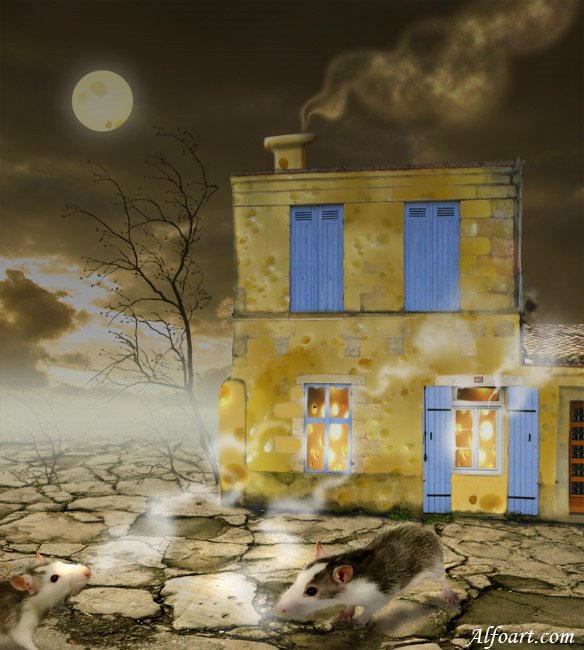
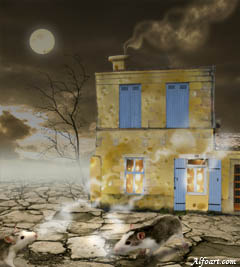
And here is the result! Click for larger view.
|