|
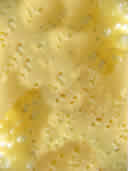
2 ways of cheese textures creation:
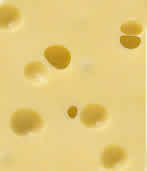
- Open the image of cheese and fill white areas using Clone Stamp (soft, round brush).
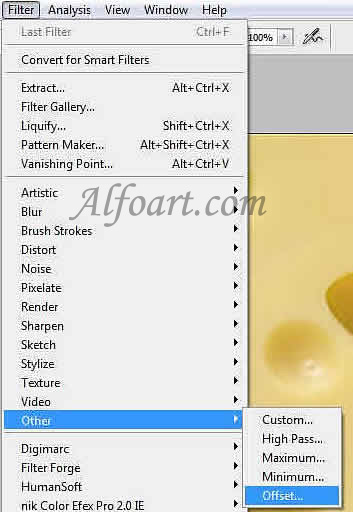
- Open the cheese image, go to Filter > Other > Offset.
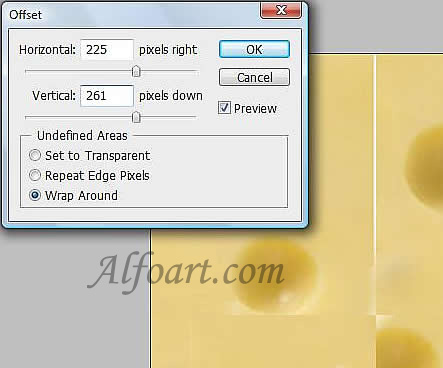
- Horizontal and Vertical – 50% of image sizes.
- Wrap around.
- Smooth joints using Blur tool or Clone stamp.
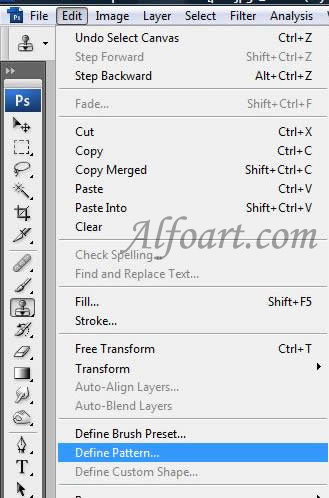
Select the whole image, go to edit > define pattern. The new texture is ready.
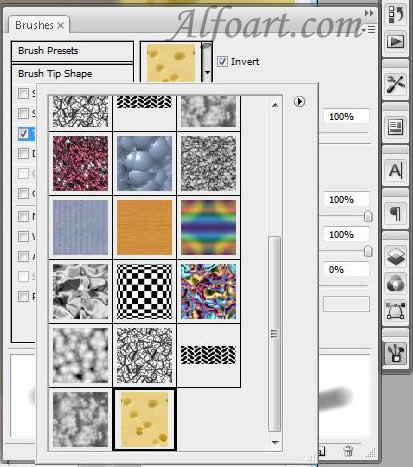
You can apply this texture for brushes:
|

