




| You may get .psd* file of "Liminous car" Photoshop tutorial by making a payment. Put the tutorial title in "Add special instructions to seller" line of PayPal and it will be sent to you shortly. |
- Draw white spots using soft brush.
- Go to Filter > Blur > Gaussian Blur (15 -20).
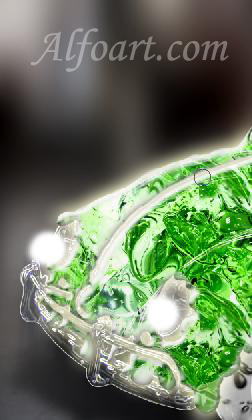
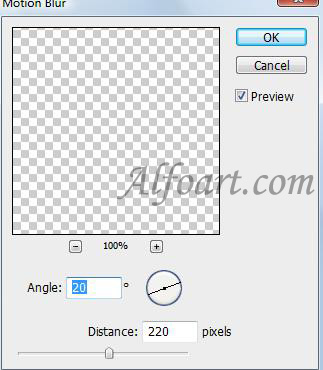
- Go to Blur > Motion Blur (Angle: 20, Distance: 220).
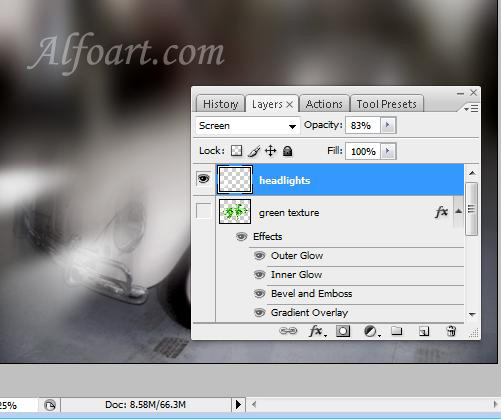
- Choose Screen Blending Mode, Opacity 83%.
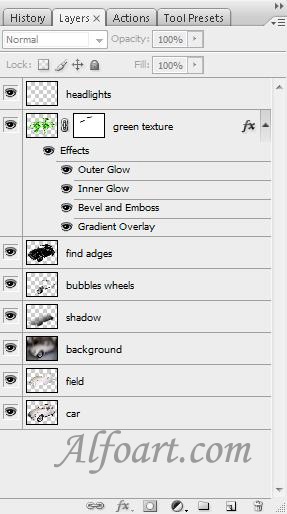
- All created layers.