






| You may get .psd* file of "Flying Saucer" Photoshop tutorial by making a payment. Put the tutorial title in "Add special instructions to seller" line of PayPal and it will be sent to you shortly. |
- Create several copies of this layer.
- Arrange circles in one line.
- Merge all layers with circles.
- Go to Edit > Transform > Warp.
- Make an arch narrowed on the edges.

- Soften circles on the edges using large soft Eraser Tool.

- Add small light spots using small round brush.

Creation of sunbeams.
- Create a new layer.
- Click "D".
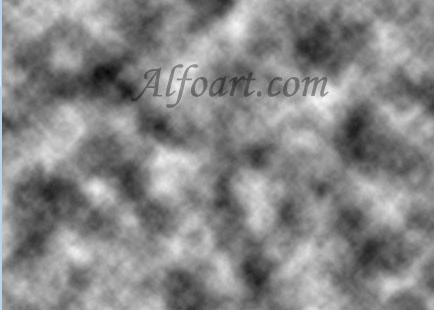
- Filter > Render > Clouds.
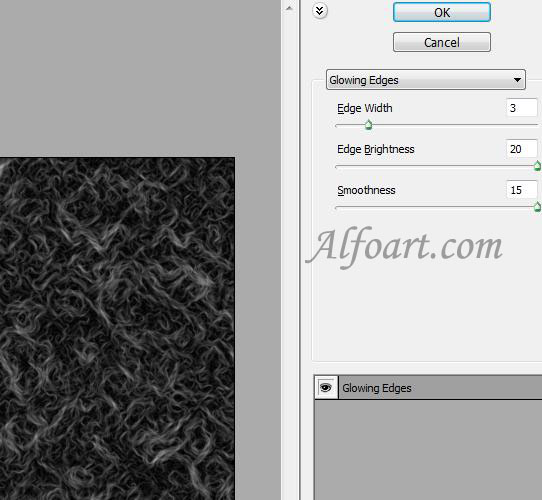
- Filter > Stylize > Glowing Edges.
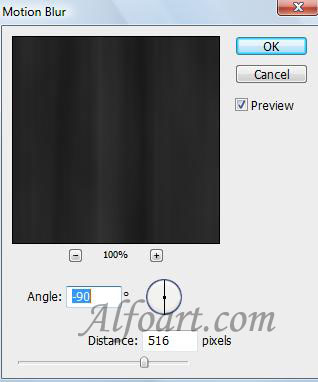
- Filter > Blur > Motion Blur.
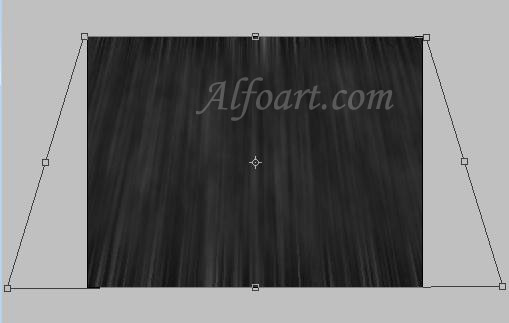
- Edit > Transform > Perspective.
- Apply Color Dodge Blending Mode to this layer.
- Erase top part of beams.
