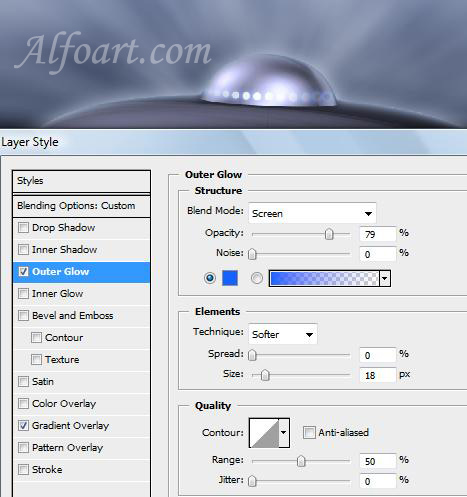






| You may get .psd* file of "Flying Saucer" Photoshop tutorial by making a payment. Put the tutorial title in "Add special instructions to seller" line of PayPal and it will be sent to you shortly. |
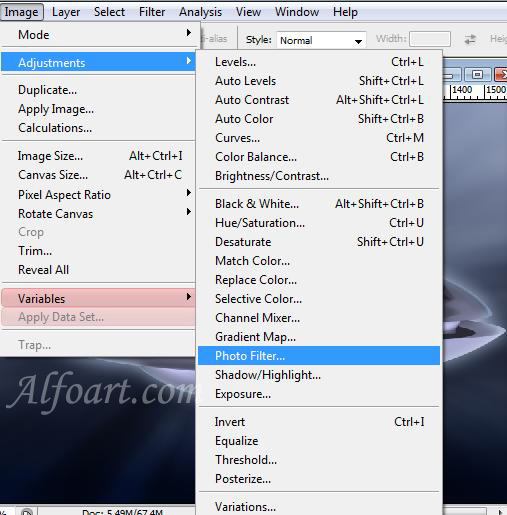
- Go to Image > Adjustments > Photo Filter.
- Choose any blue color for our flying saucer (density 50-60%).
- Apply the following layer style effects to this layer.
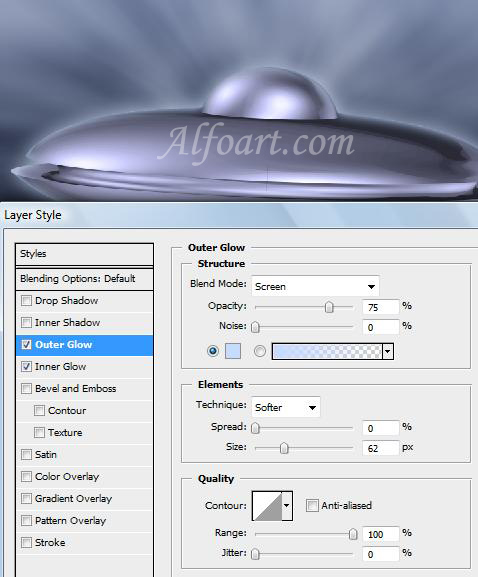
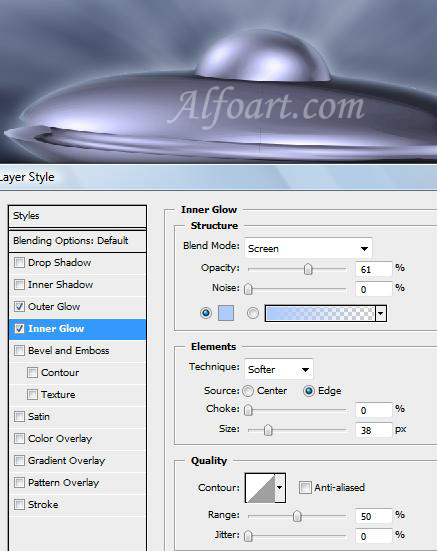
- Add small white circles using round brush and apply layer style effects just like in the examples below.