





| You may get .psd* file of "White notebook style for web site design." Photoshop tutorial by making a payment. Put the tutorial title in "Add special instructions to seller" line of PayPal and it will be sent to you shortly. |
- Draw the extended rectangular, using Rectangle
 Tool.
Tool. - Apply Reflected Gradient.
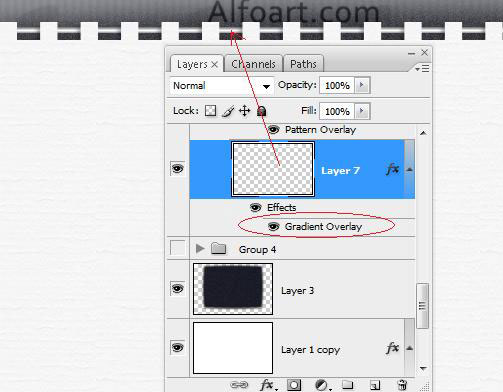
- Bookmark creation.
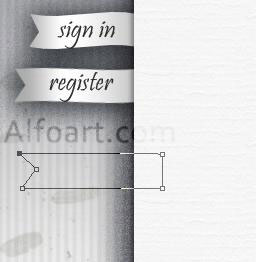
- Draw a path using Pen Tool just like in the example below.
- Fill path with white color.
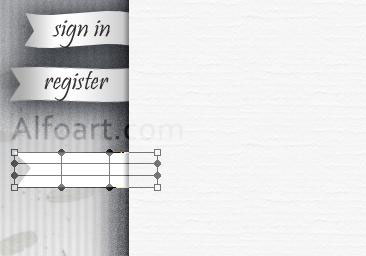
- Apply Warp transformation to this shape.
- Add the following layer style effects:
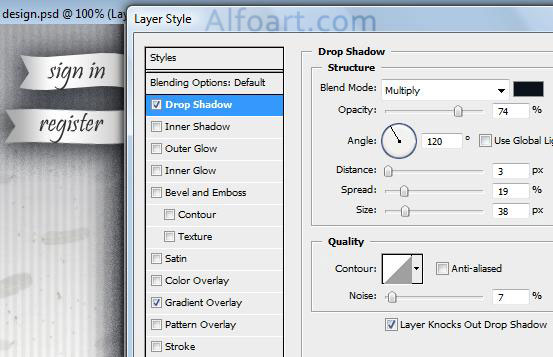
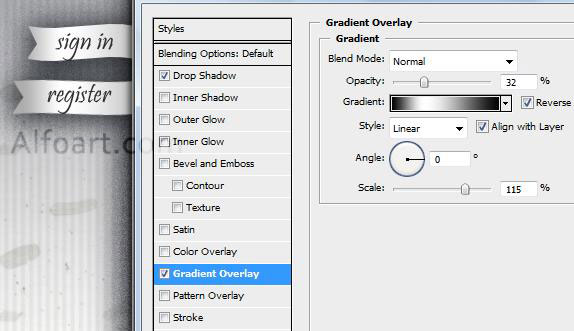
- Load selection for notebook shape (Ctrl + Click).
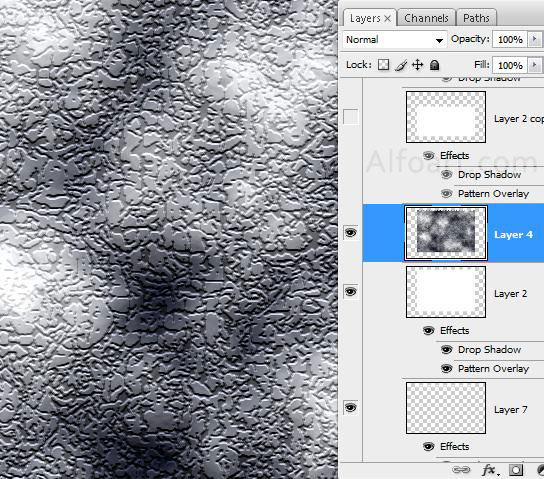
- Create a new layer, choose Filter > Render > Clouds.